01Device repair
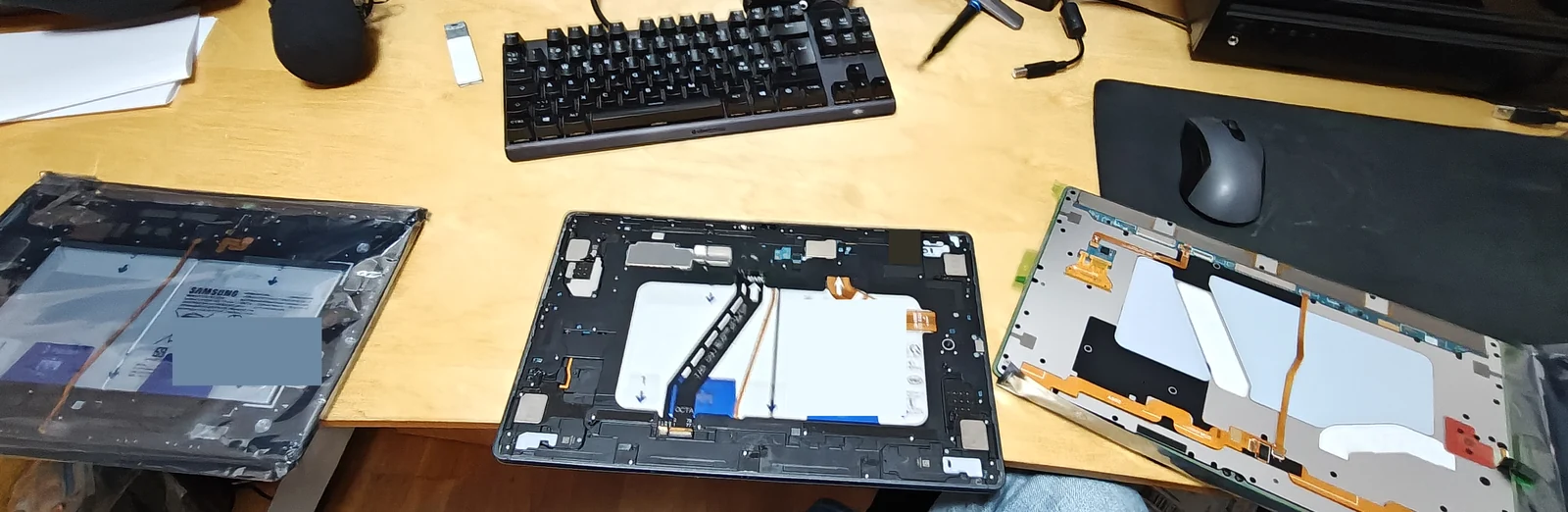
Inside a tablet.
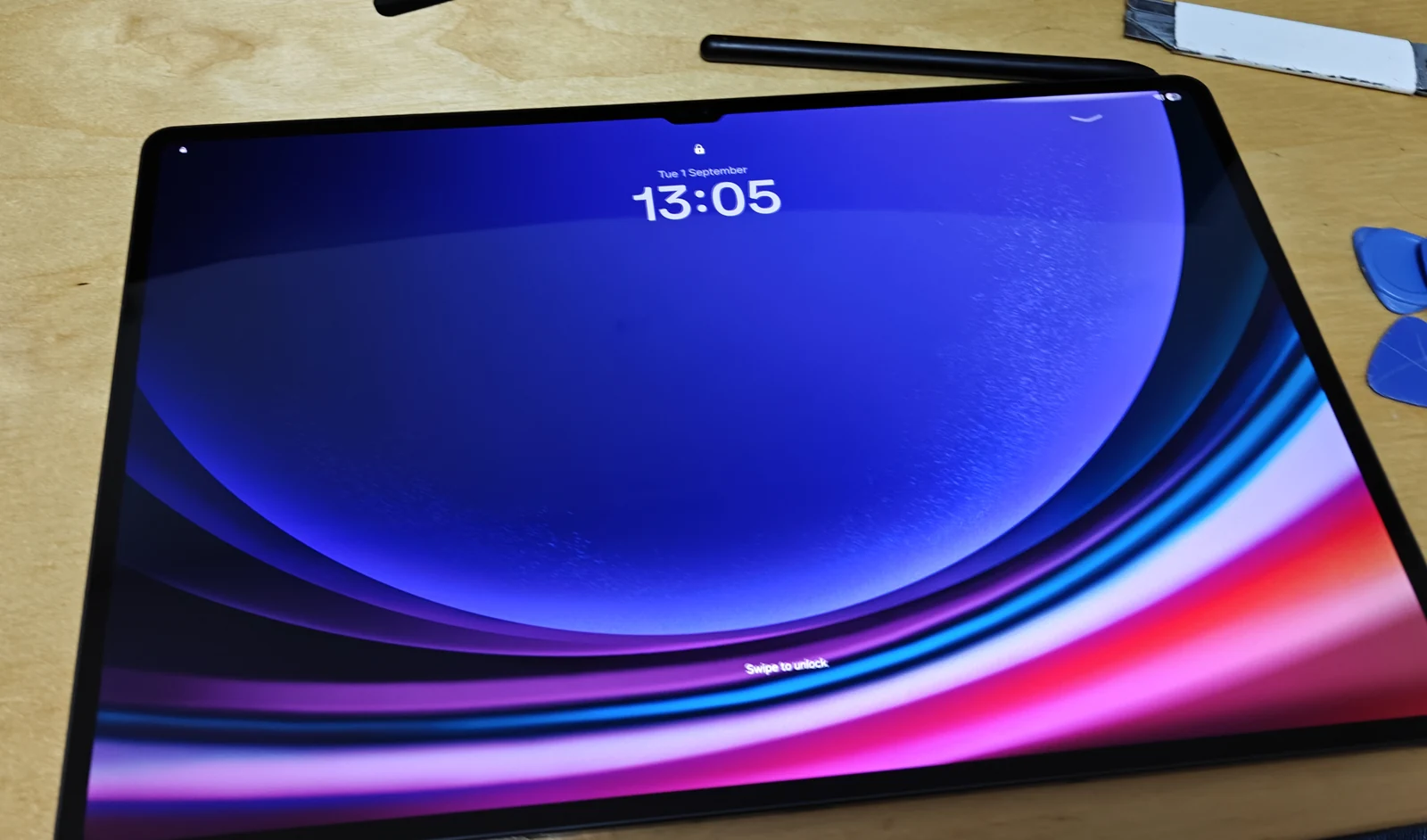
I bought this Samsung tablet with a damaged screen and frame after it had been dropped. I sourced replacement parts and replaced both the frame and display assembly.
See the reassembled tablet
Hardware repair / Linux / testing
I’m sim. I work on laptops and other hardware, help people with Linux, and contribute through testing and practical problem-solving.
01 / Selected work
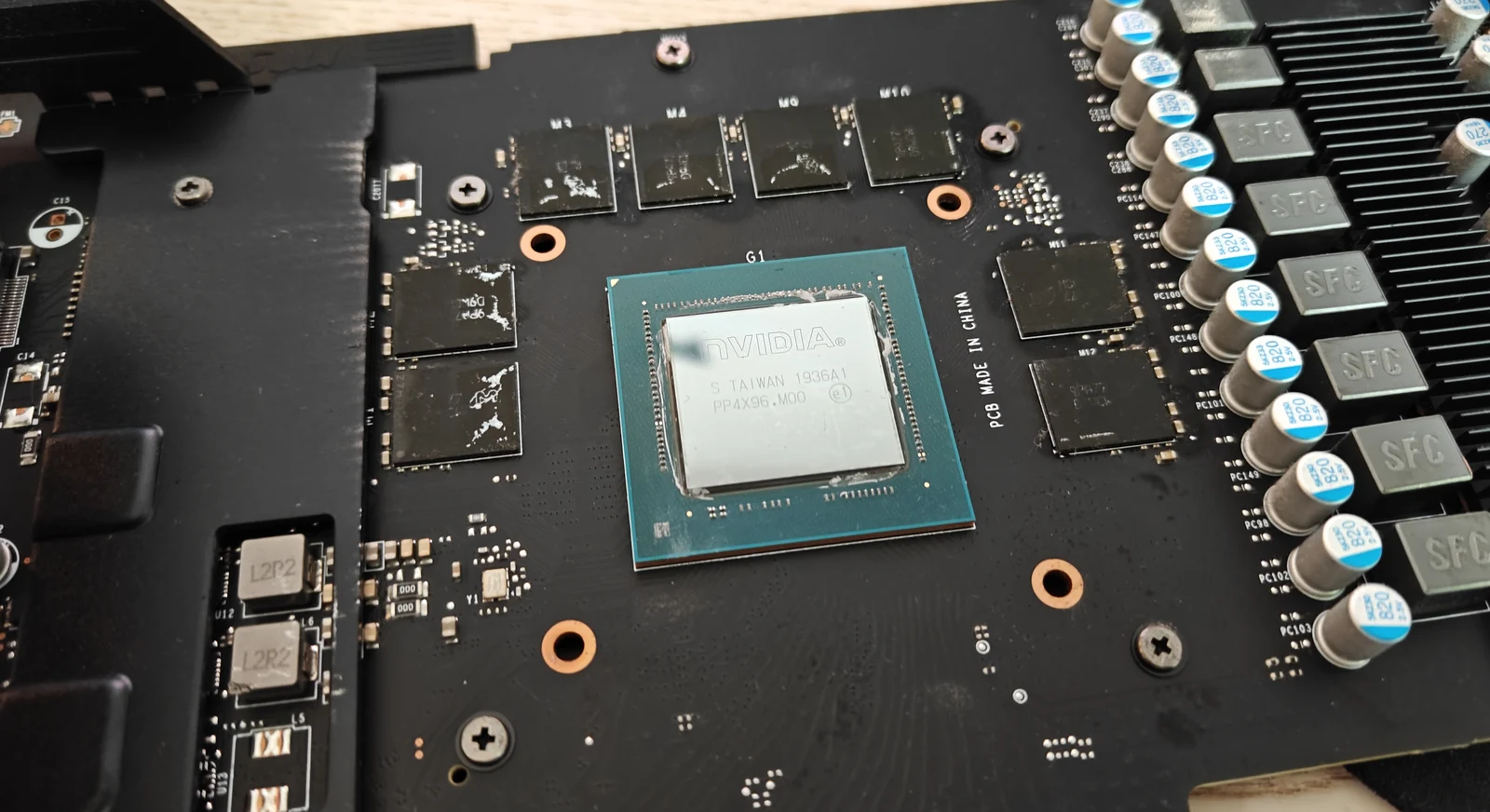
A few moments from the workbench: taking devices apart, inspecting small components and working through faults.
01Device repair
I bought this Samsung tablet with a damaged screen and frame after it had been dropped. I sourced replacement parts and replaced both the frame and display assembly.
02Precision repair
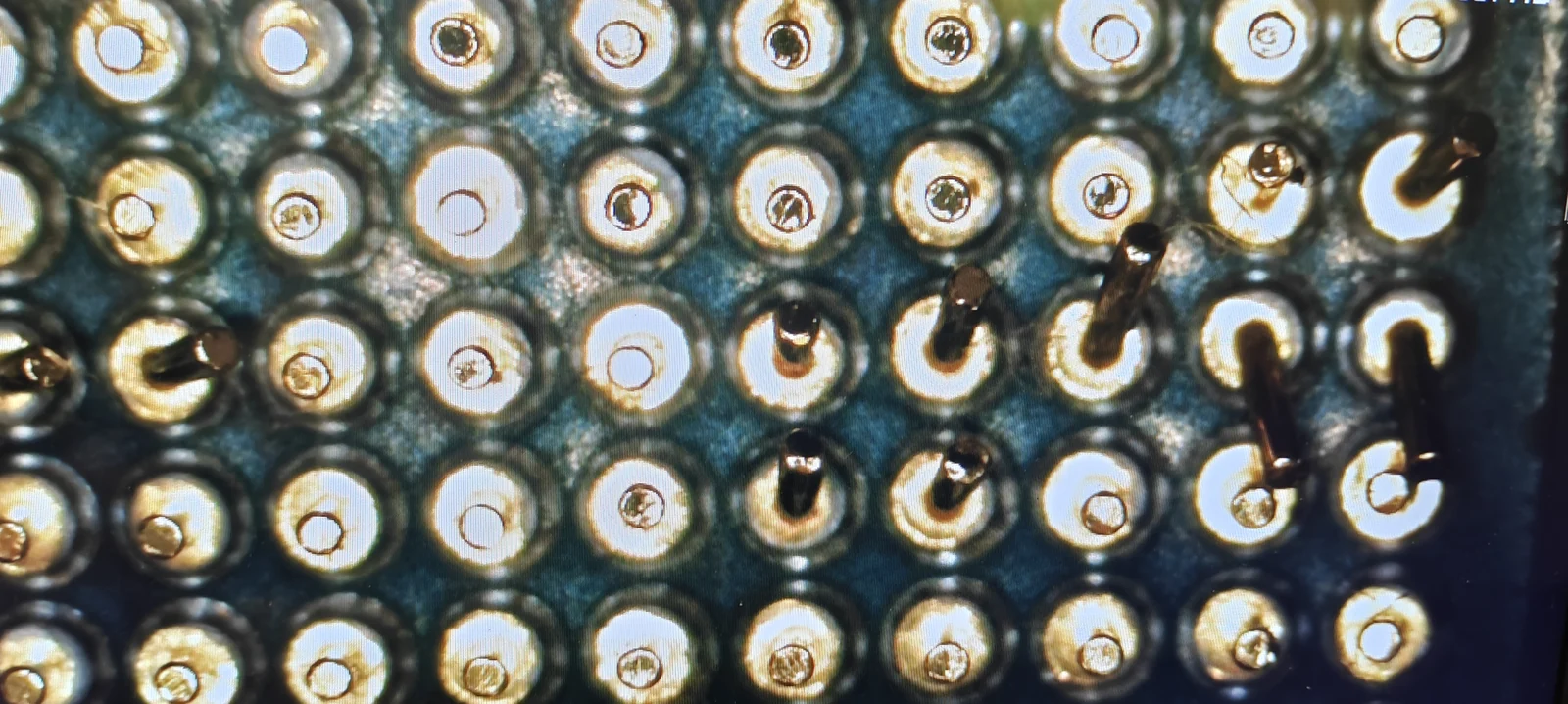
After a processor was pulled out of its socket and its pins were bent, I carefully straightened them. The repair succeeded, making the processor usable again.
03Laptop board repair
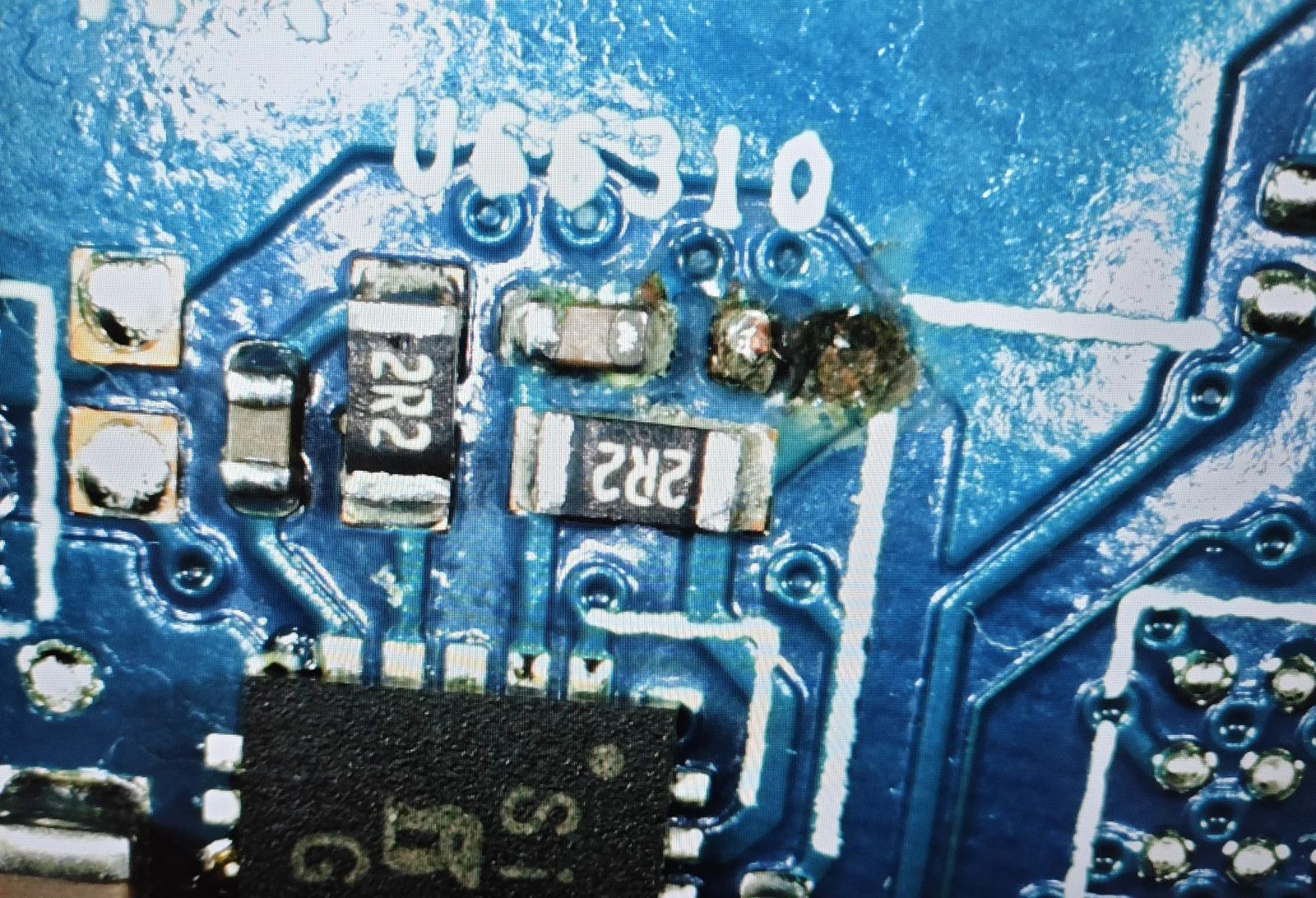
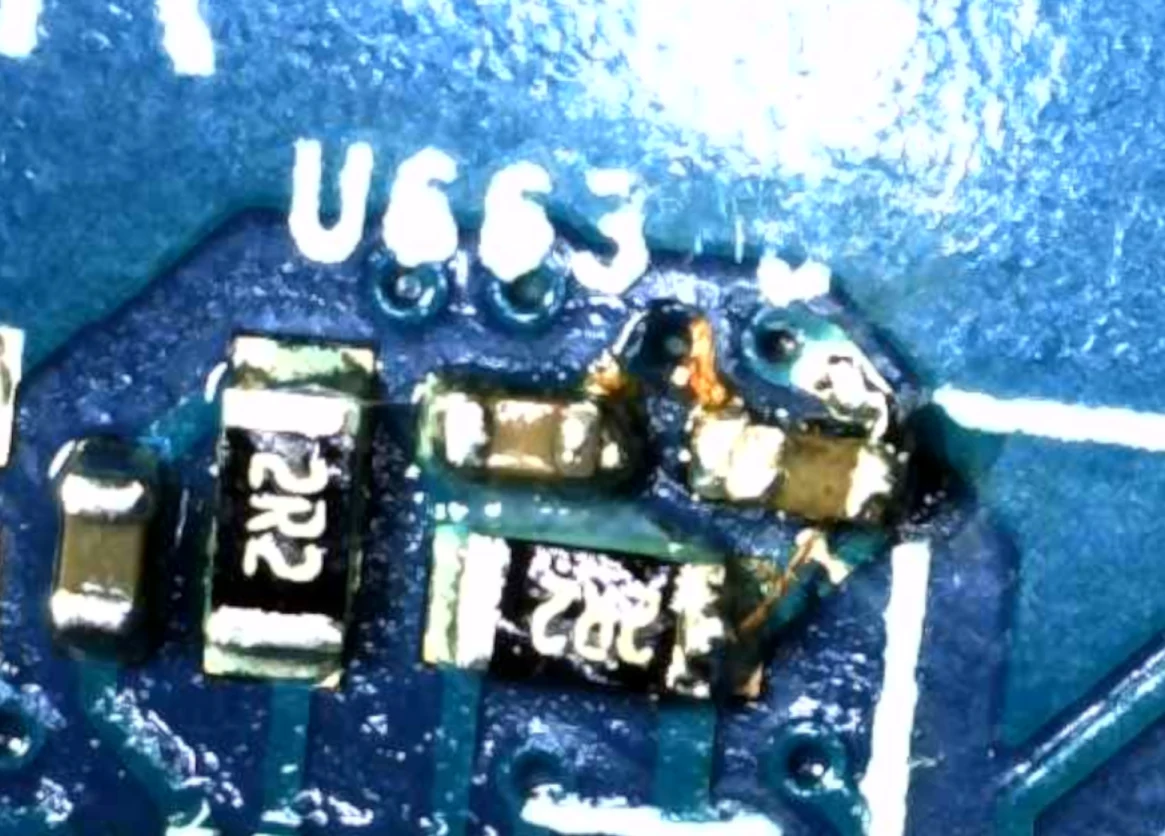
This used laptop would not power on. Removing a burnt capacitor allowed it to start, but the display still went black as Windows loaded its drivers. Voltage measurements and the MOSFET layout identified the affected iGPU power rail. I then fitted a replacement capacitor from donor electronics and repaired a local trace with a jumper. The laptop has worked for months since.
04Hardware maintenance
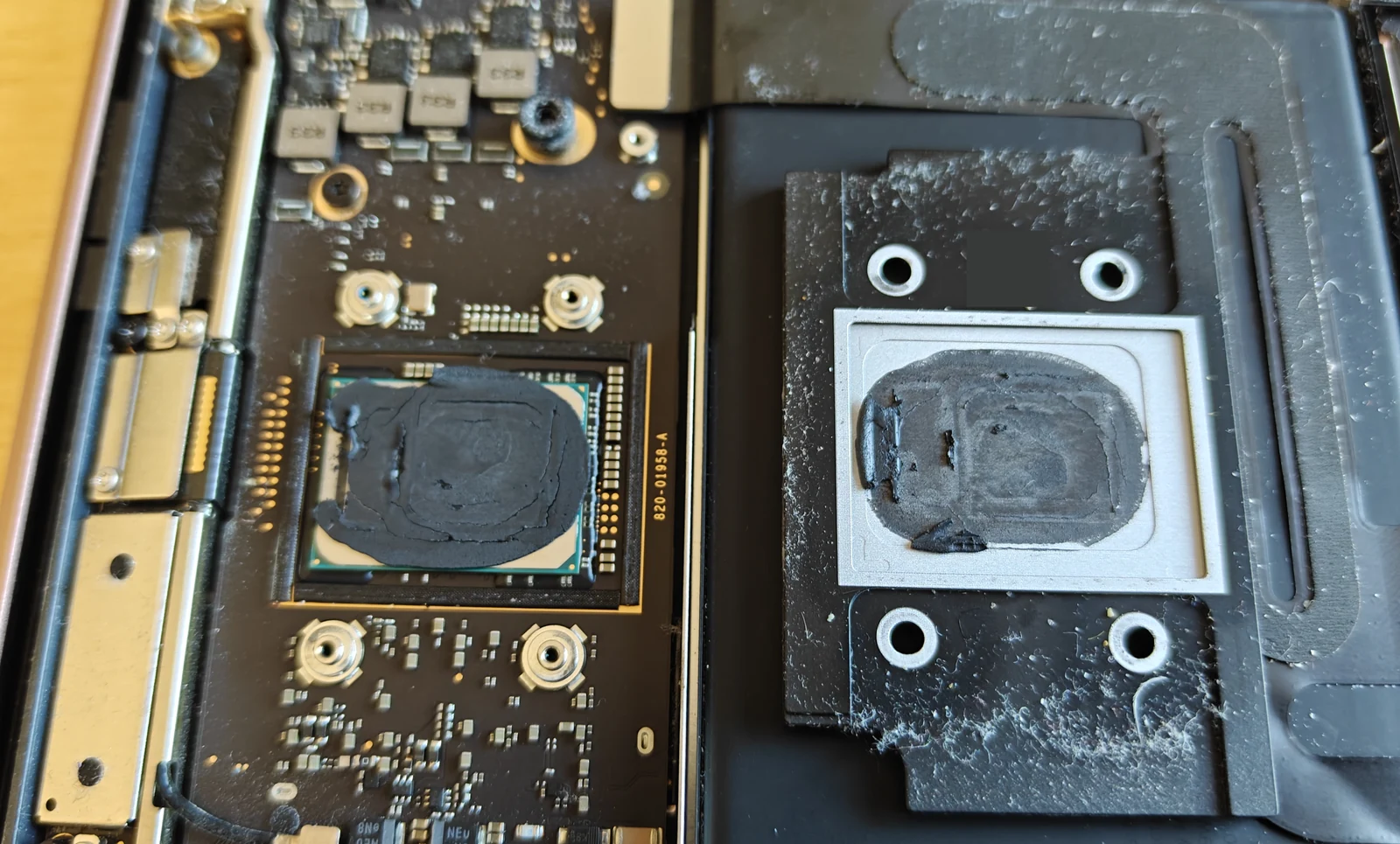
Opening up hardware reveals the cooling path, the thermal interface and the areas that need inspection. I work on used equipment and learn from what is in front of me.
05School project / Fusion 360
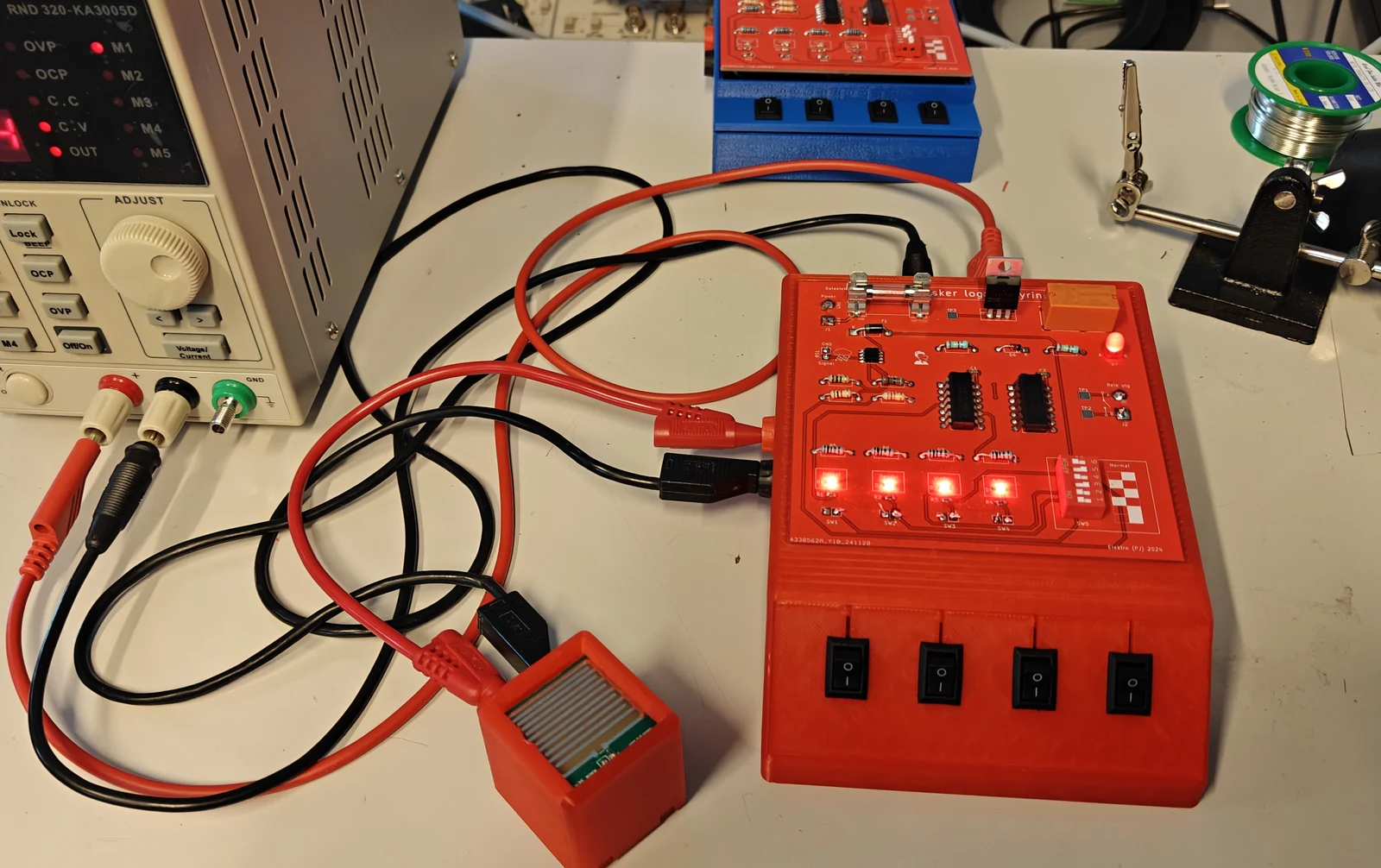
This school project combines a water sensor, switches and indicator lights. I modelled the enclosure in Fusion 360 from supplied plans, adapted the design and used techniques suited to 3D printing. The circuit board was supplied by the school.
06Replacement part / CAD & 3D printing
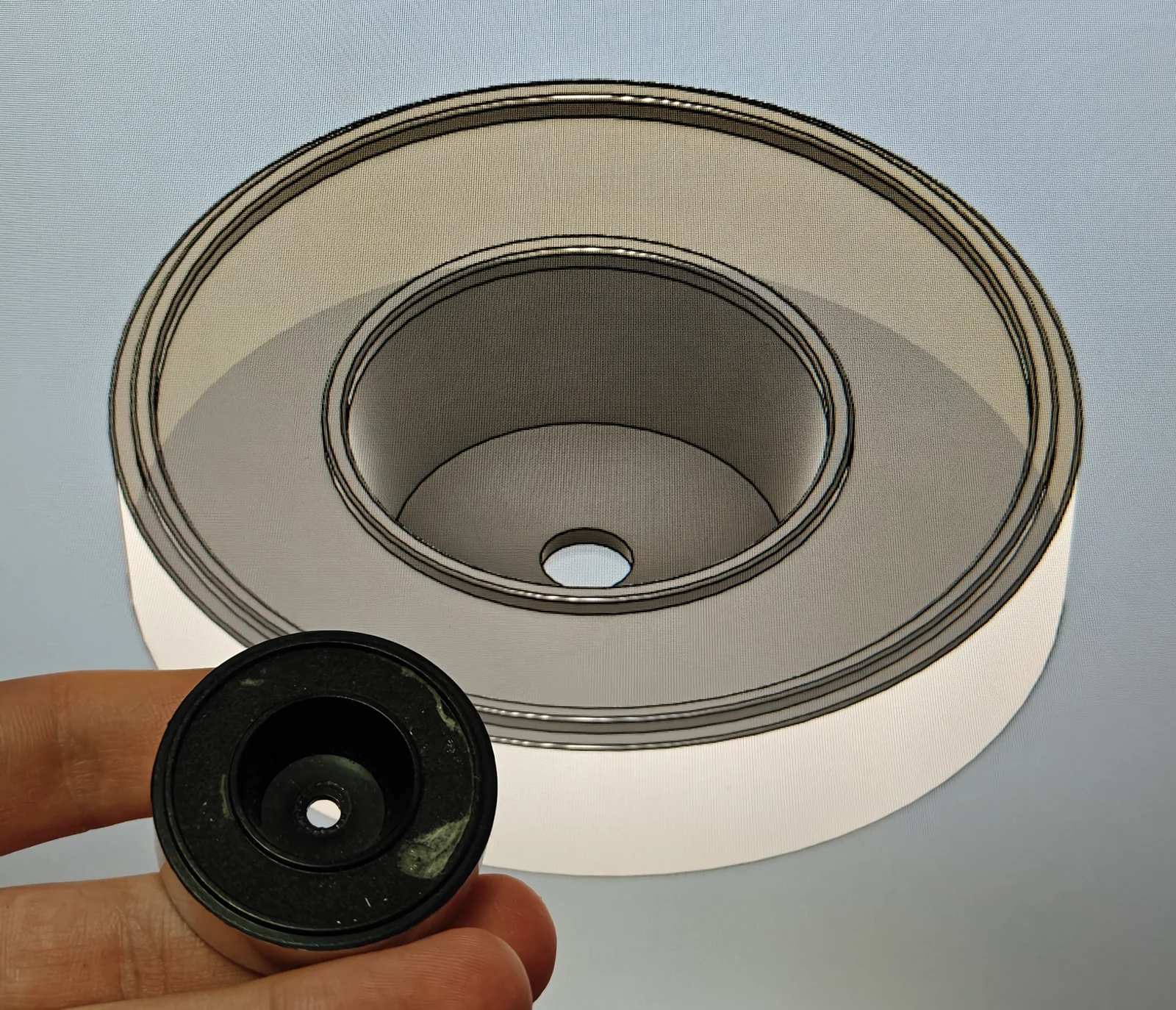
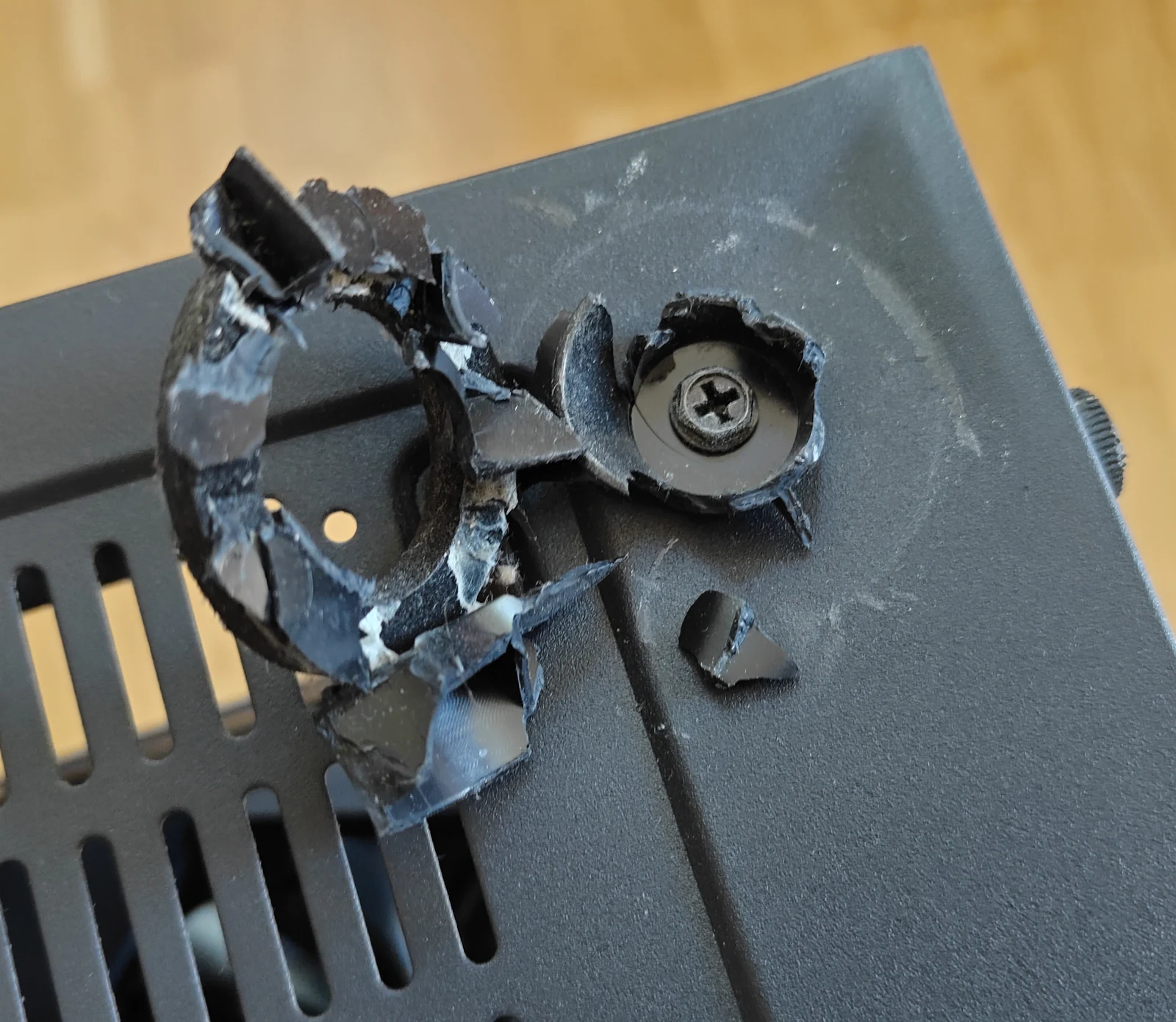
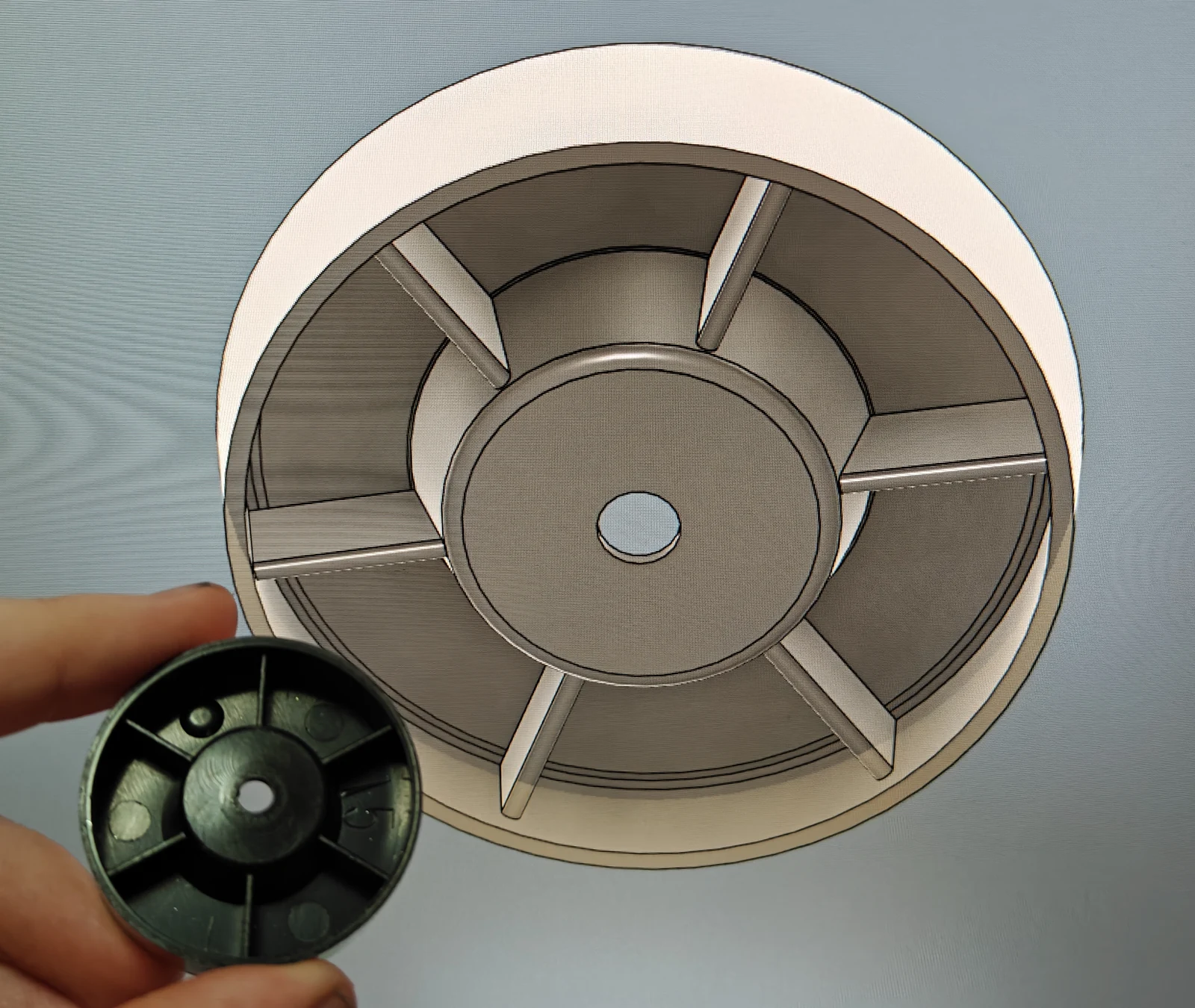
A desktop arrived without protective packaging, and one of its case feet shattered in transit. I used an intact foot as a reference, recreated it as a 3D model and 3D-printed a replacement.
02 / Open source & collaboration
I’m a volunteer team member of CachyOS, contributing through support, documentation, testing and GitHub. I’ve helped in the community before joining the team, including keeping support calm and practical during major issues.
I’m also contributing to early testing at Seafoam Labs, trying out software and reporting issues as the project develops.
03 / About
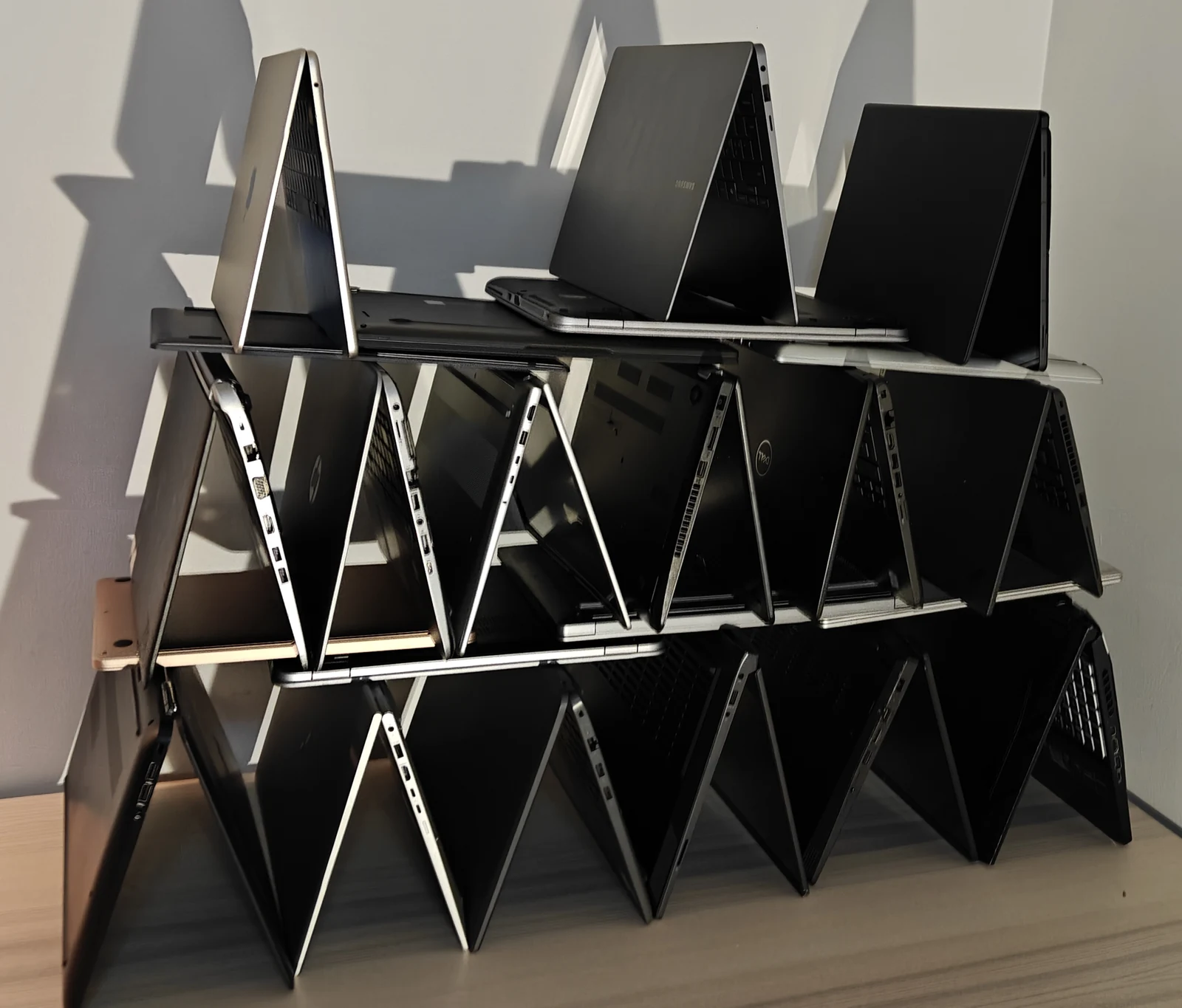
A lot of my experience comes from building and upgrading PCs, buying faulty laptops, and working through repairs. Hardware, Linux and networking are the areas I keep coming back to.
I also run my own server and NAS environment. It gives me a place to work with Linux, networking, remote access, backups and services in everyday use.
Projects and the things I’m learning along the way.